Guided setup
A checklist from a new shop to a shop that can sell and keep books. The score counts required items only. Work the list until it reads 100 percent.
Who uses this
The owner, on first login, or any time something still blocks selling.
What you need first
- Owner sign-in
- An organization that already exists
Steps
1. Read the first score
After you sign in the first time, open Setup. The shop already has a legal name, a sellable location, and a cashier. Opening books, the product list, a bank account, and a customer are usually still open. Read every item that is not ready.
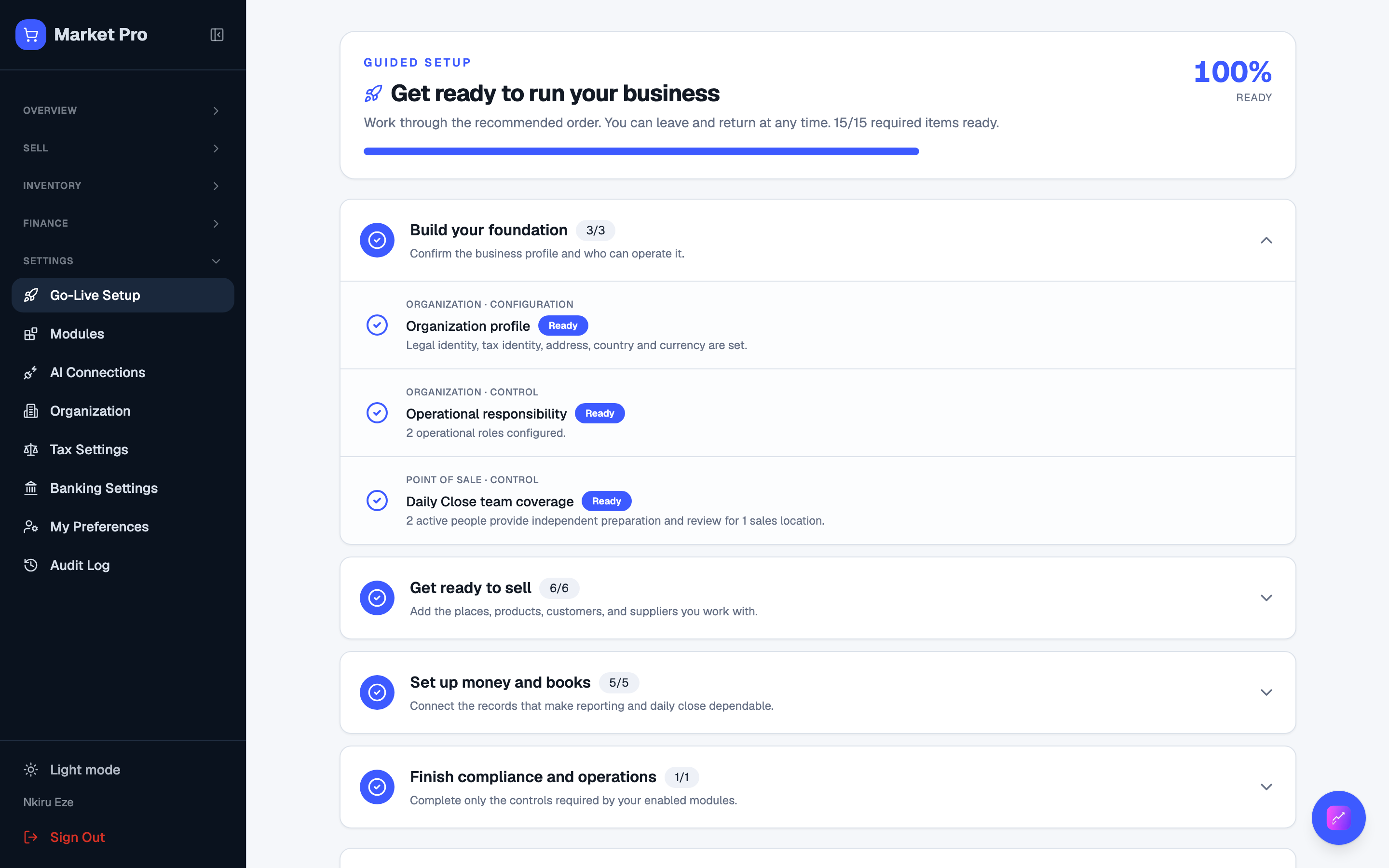
2. Finish the list in order
Press the action on an item. Confirm opening books before you add stock. Then add at least one product (what you sell), one customer, one supplier, and the operating bank account. Pick the published tax rule pack. Reload Setup after each save.
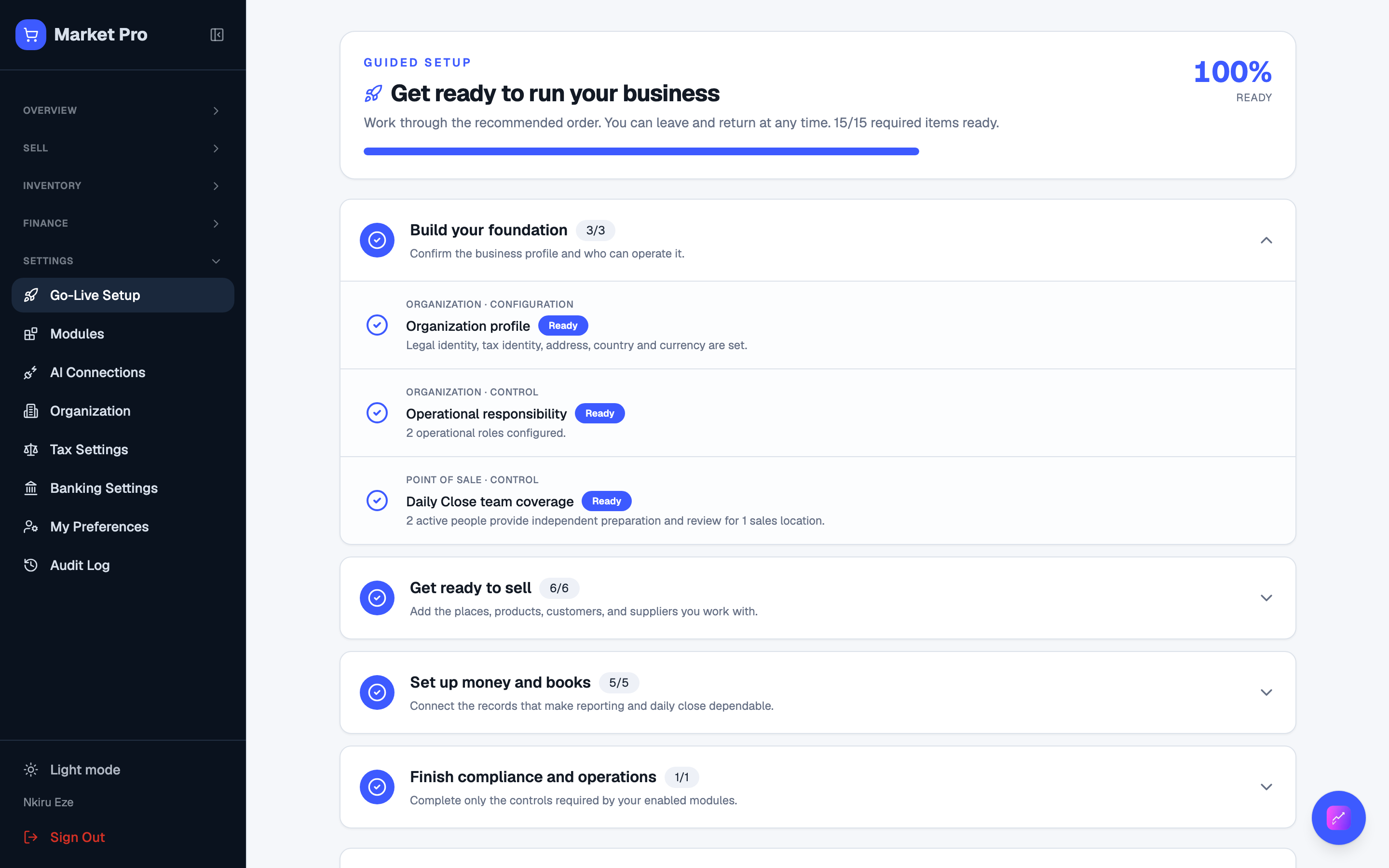
3. Check 100 percent
When the score is 100 percent, required items stay marked ready after reload. You can sell. Reports and Daily Close still need real activity before they have numbers.
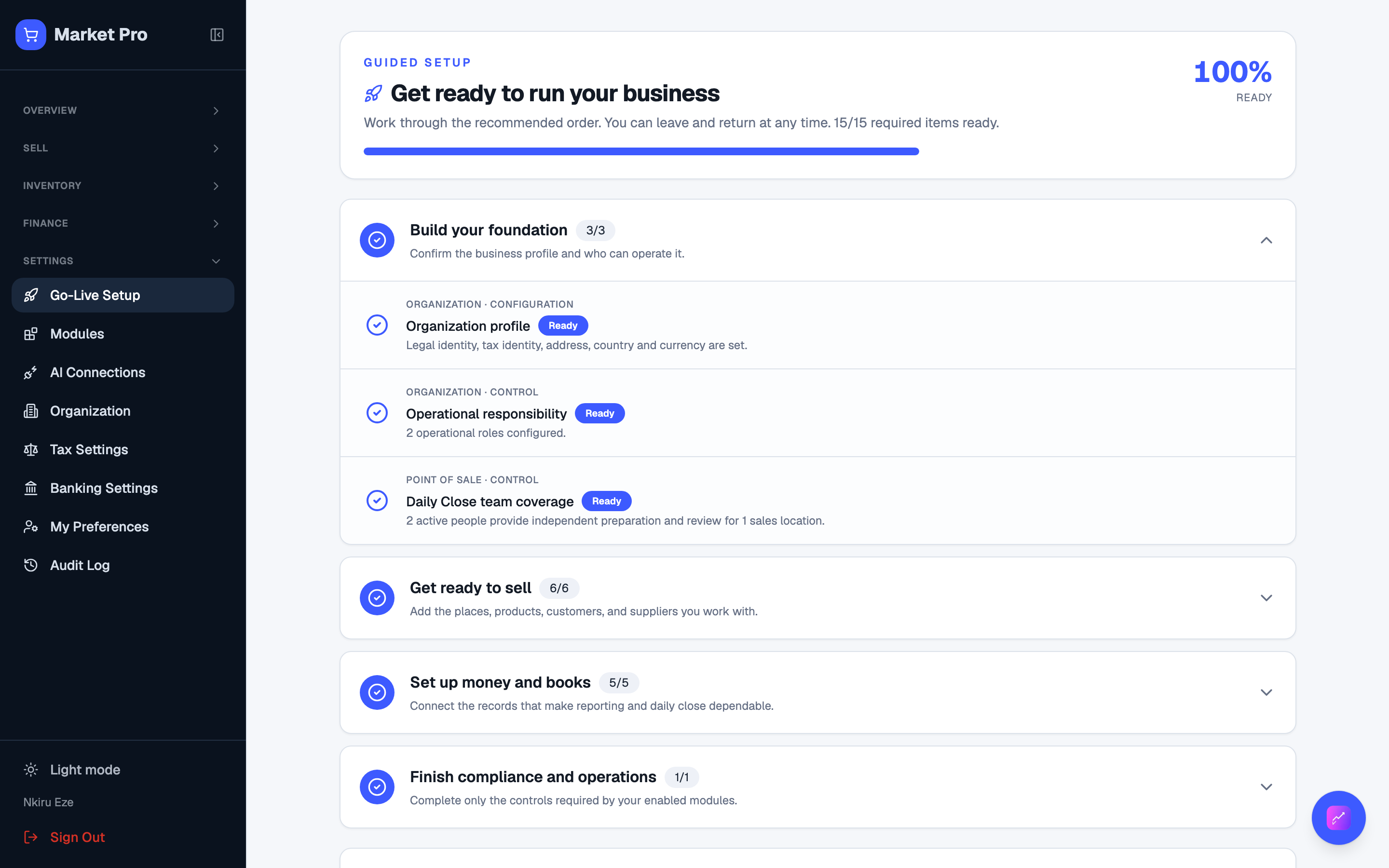
What done looks like
- Each open item has a button that jumps to the right screen.
- After you finish a task and reload, that item stays marked ready.
- When the score is 100 percent, you can sell and post.
Common mistakes
- Do not add products or take sales before you confirm opening books.
- A high score does not mean you can skip bank or tax items the checklist still shows.