Dashboard
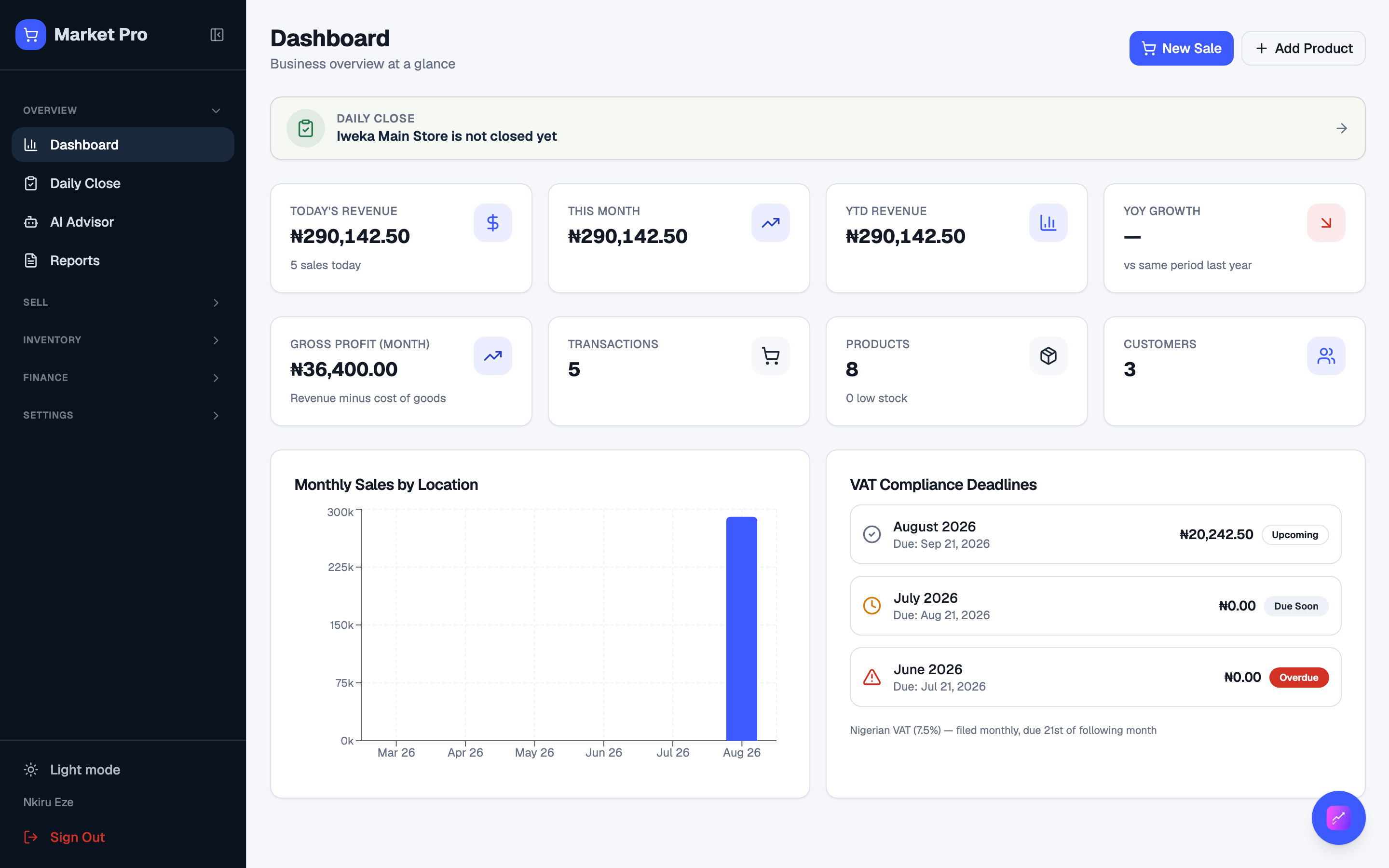
Today’s sales, month totals, stock, customers, and whether today’s close is still open.
Who uses this
The owner, at the start of the day, or any time you want a quick read of the shop.
What you need first
- Owner sign-in
- At least one location
Steps
1. Open Dashboard
After you sign in you land on Dashboard. Use the cards to jump to Sell, Inventory, Customers, or Reports. The Daily Close band tells you if today’s shop is still open.
What done looks like
- The cards show totals from real sales, not a blank shop.
Common mistakes
- Do not treat dashboard cards as the signed-off books. Use Reports for that.