Preferences
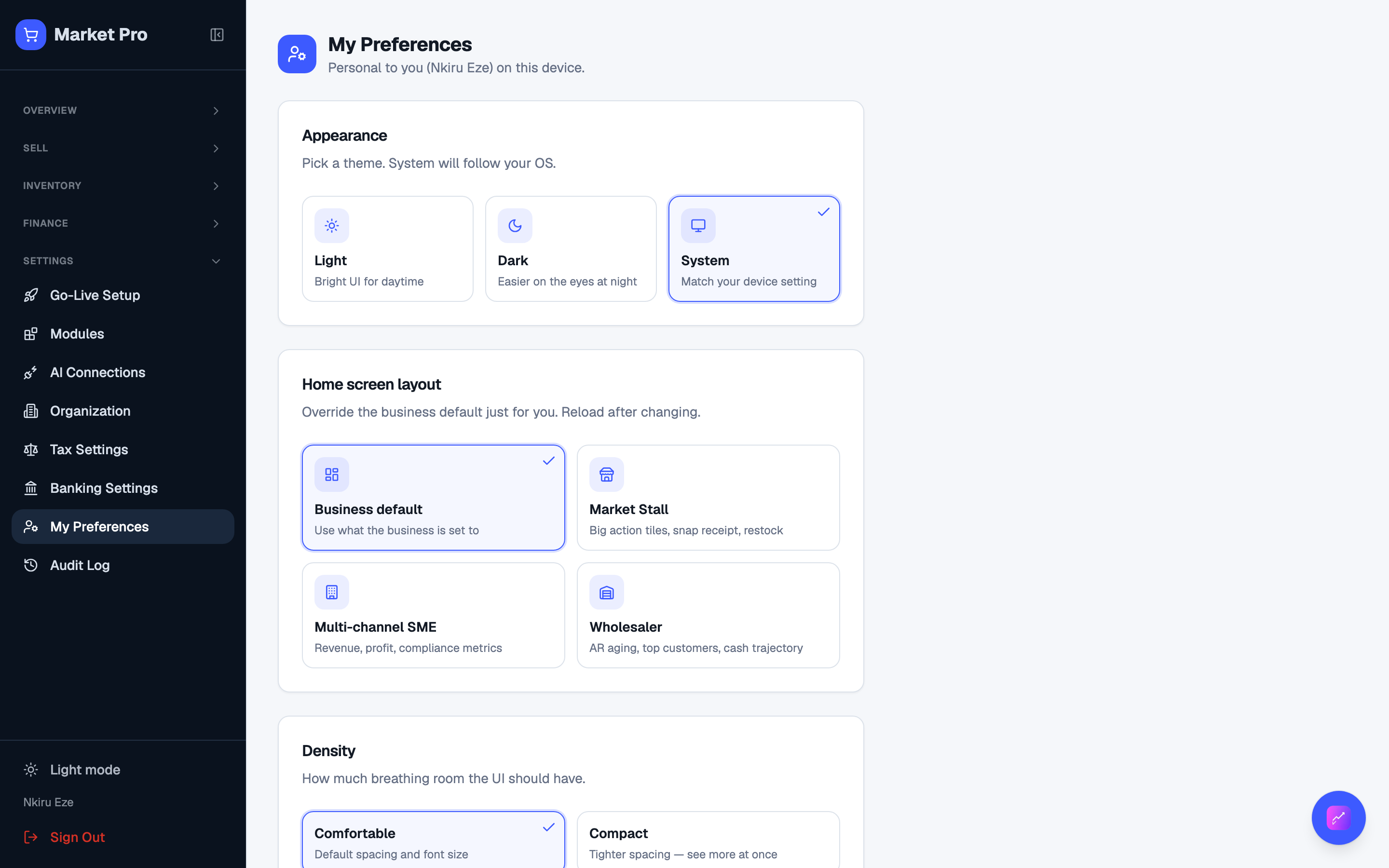
Your theme, density, and which home layout you see.
Who uses this
The owner, when the screen feels too tight, or you want a simpler home than the default dashboard.
What you need first
- Owner sign-in
Steps
1. Set your workspace
Open Preferences. Theme and density apply to you. Dashboard variant can follow the shop default or override it for this login.
What done looks like
- Theme and home layout stay for your login only.
Common mistakes
- Business Settings changes the shop default. Preferences changes only you.