Organization settings
Legal name, TIN, address, currency, how you value stock, and a support-led close request. You cannot delete the organisation from here.
Who uses this
The owner, after the shop is created, when the legal name or TIN changes, or before you confirm opening books.
What you need first
- Owner sign-in
Steps
1. Check the business profile
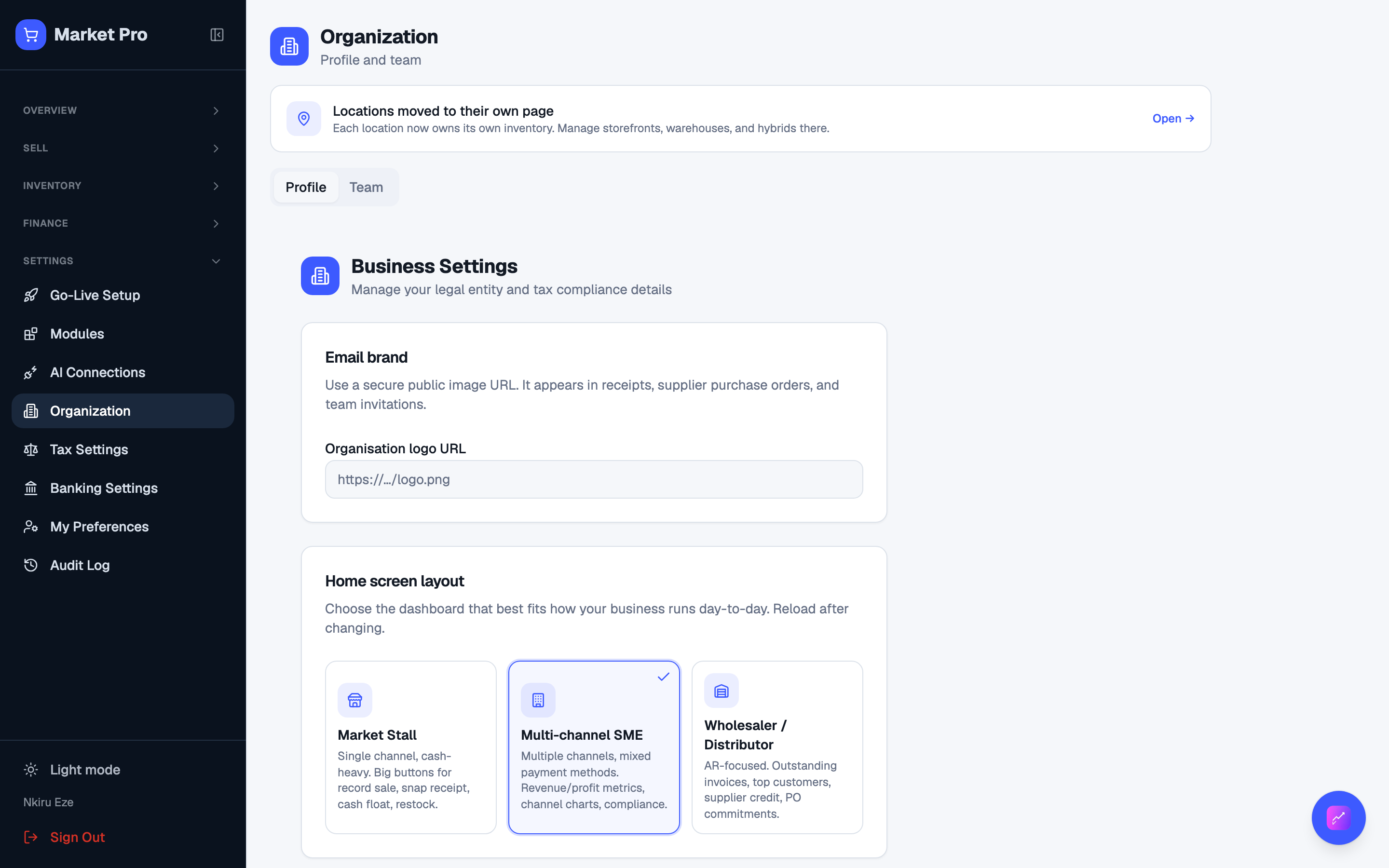
Open Organization. Check legal name, legal form, TIN, phone, address, country, state, city, currency, and valuation. Change a phone digit, press save, reload, and confirm it stuck.
2. Close this business
If you are leaving, use Close this business at the bottom. That sends a support request. There is no self-serve delete. Export what you need first.
What done looks like
- Legal name, TIN, address, country, currency, and valuation stay after you save and reload.
Common mistakes
- Do not change currency after you have posted sales.
- If you will file tax from MarketPro, fill in TIN and legal form.