Sign in
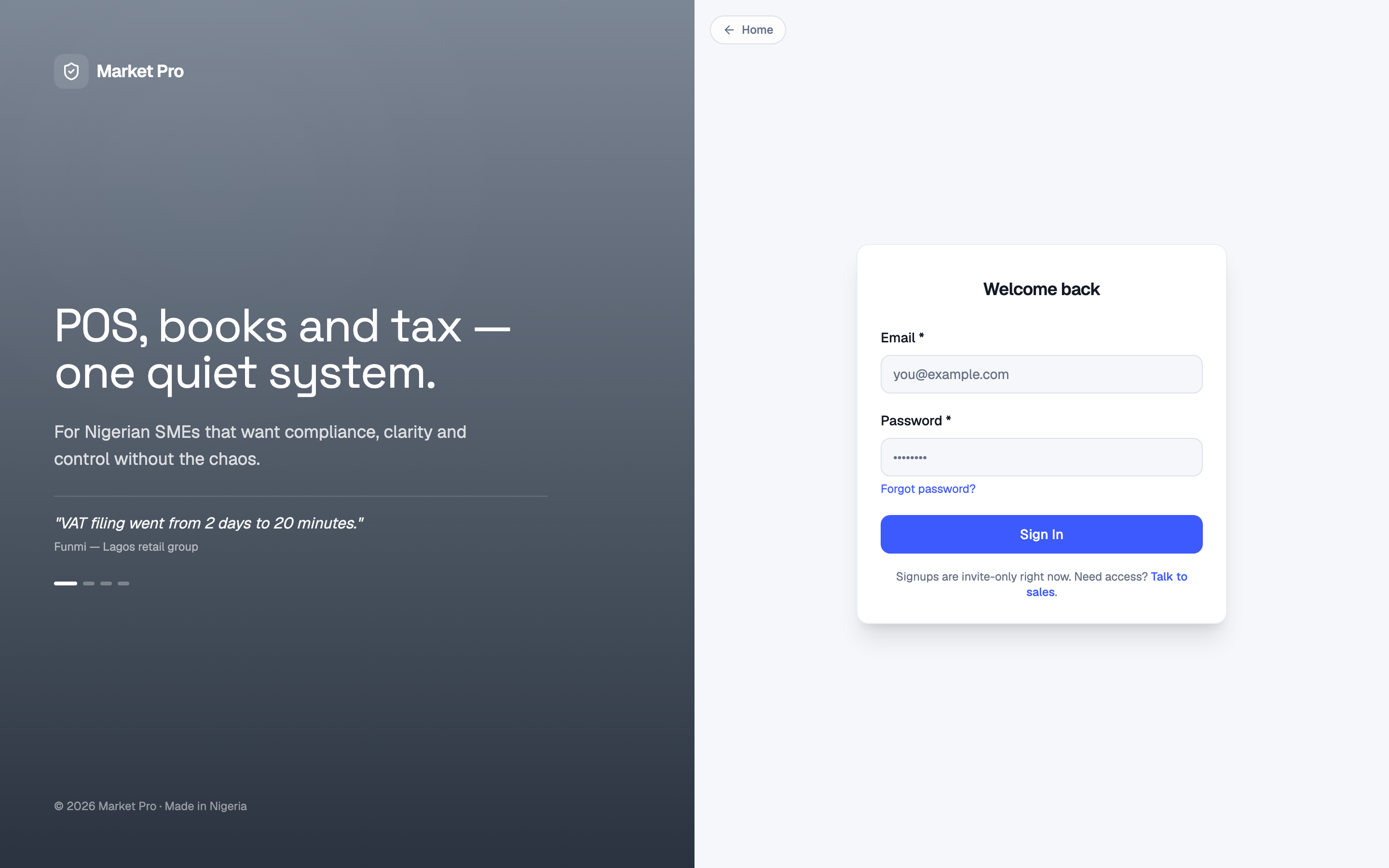
Sign in with the email your shop invited. Owners land in the business workspace. Cashiers land on the till.
Who uses this
Everyone who opens MarketPro. Owners keep this login off the till.
What you need first
- A shop that is already set up
- The email and password from your invite
Steps
1. Open Sign in
Open MarketPro and go to Sign in. Type your email and password, then press Sign In.
What done looks like
- As owner, you reach Dashboard or Guided setup.
- As cashier, you reach Sell on the till.
Common mistakes
- Use the email from your invite.
- Do not stay signed in as cashier when you need organization or bank screens.