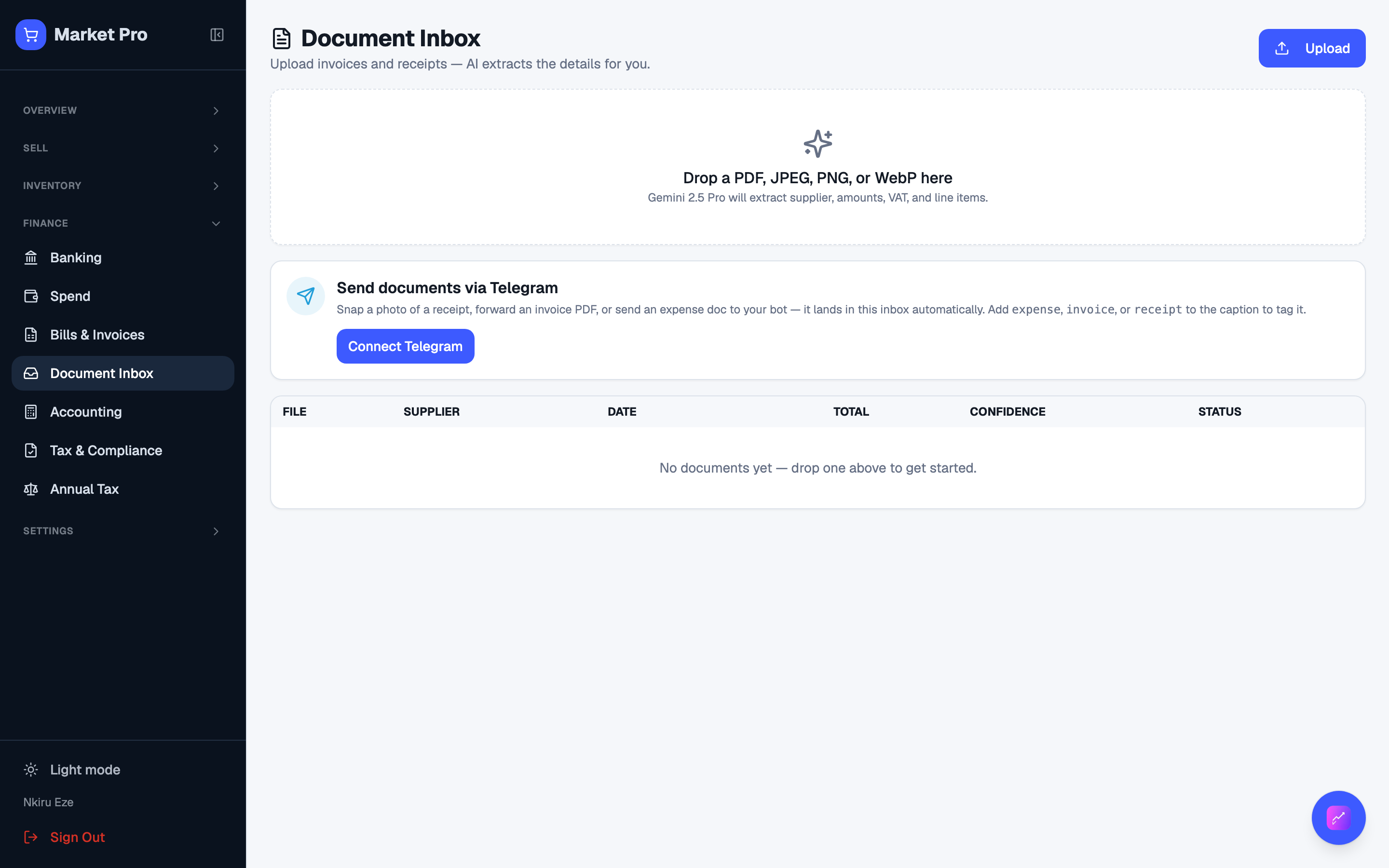
Document inbox
Bills and receipts waiting for review. Extraction drafts fields. You confirm before anything posts.
Who uses this
The owner, when a bill photo or PDF arrives and you want it drafted into a bill or expense.
What you need first
- A bill photo or PDF to upload
Steps
1. Open the inbox
Open Documents. Upload a bill, or drop it from Telegram if you paired the shop. Check the extracted fields, then create the bill or expense yourself.
What done looks like
- Uploaded files show in the inbox with an extraction status.
Common mistakes
- Check amounts and the supplier before you accept a draft.