Notifications
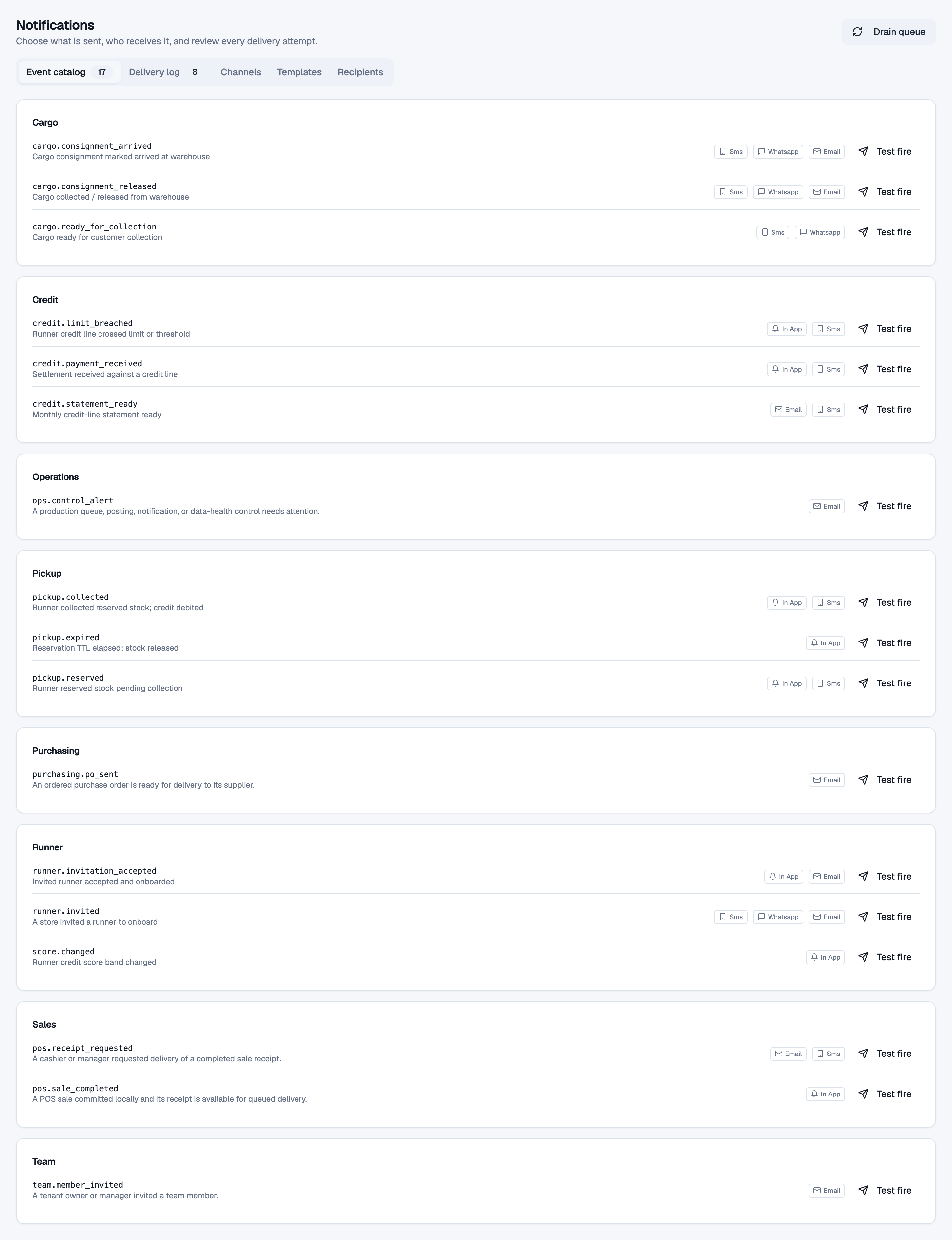
Invites, receipts, and alerts the shop sent, plus whether they arrived.
Who uses this
The owner, when an invite, receipt, or alert did not arrive.
What you need first
- Owner sign-in
Steps
1. Review deliveries
Open Notifications. Find the event and its deliveries. Provider settings are under notification settings.
What done looks like
- Failed and sent deliveries show with times.
Common mistakes
- Retry from this screen so the retry is recorded. Do not resend from a personal inbox.