Expenses
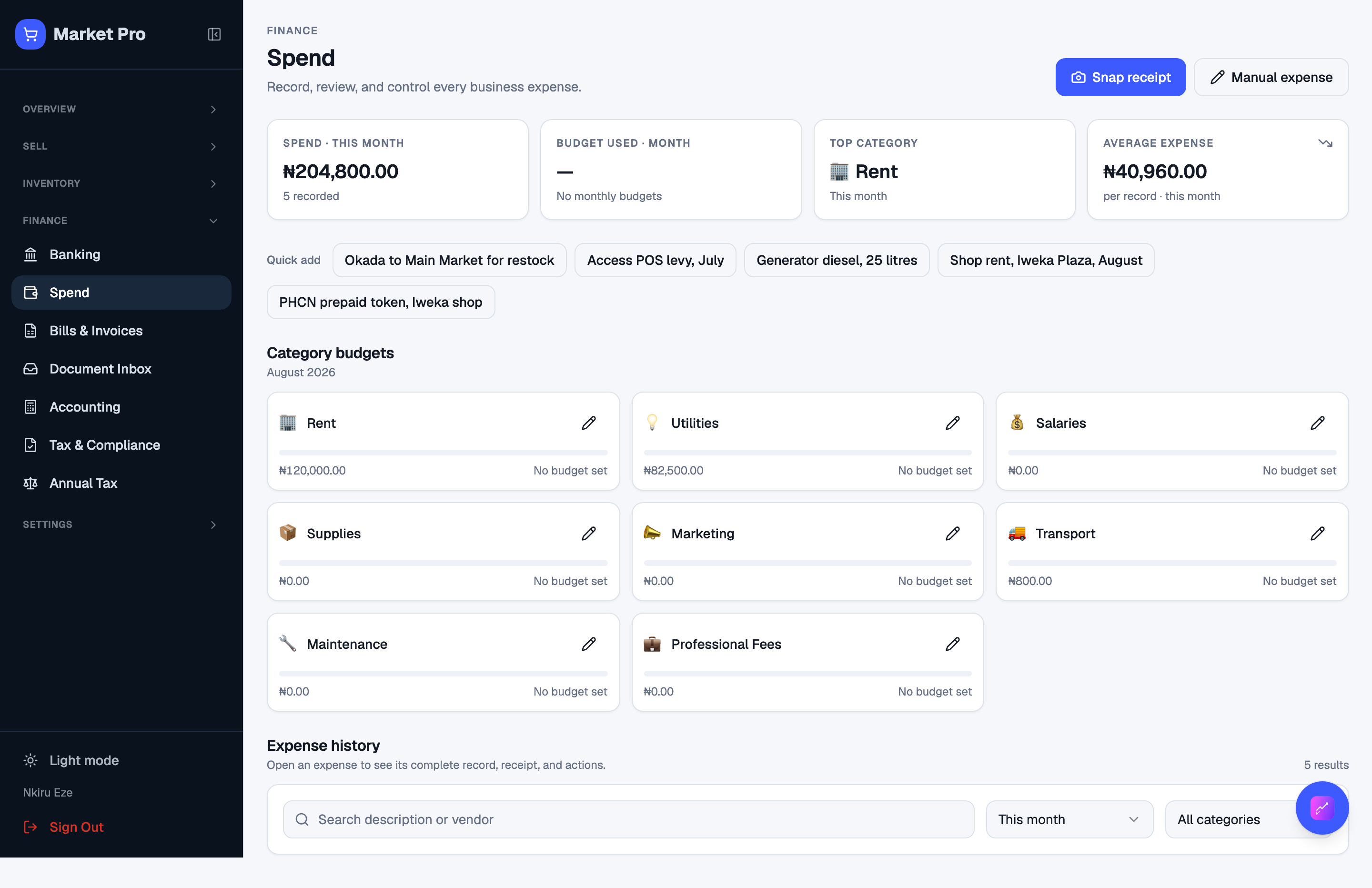
Shop spend that is not a supplier bill. Attach the receipt. Cash or transfer picks the clearing account.
Who uses this
The owner, for spend you did not already record as a bill.
What you need first
- Opening books confirmed
- A location
Steps
1. Review spend
Open Expenses. The heading says Spend. Add description, amount, date, category, payment method, and location. Attach a receipt image. After save, search the list and press View receipt to open the file.
What done looks like
- Description, amount, category, payment method, location, and receipt stay after reload.
- The books post a balanced expense for that payment method.
Common mistakes
- If you will need proof later, attach the receipt image, not only a filename.
- Do not record a bank fee here and again as a new bank line without matching.